Parallel written discussion, running alongside your session.
The speaker keeps presenting. The room keeps thinking. Both happen at once.
Sign in with Google. Your first session takes under a minute to set up and it's on us.
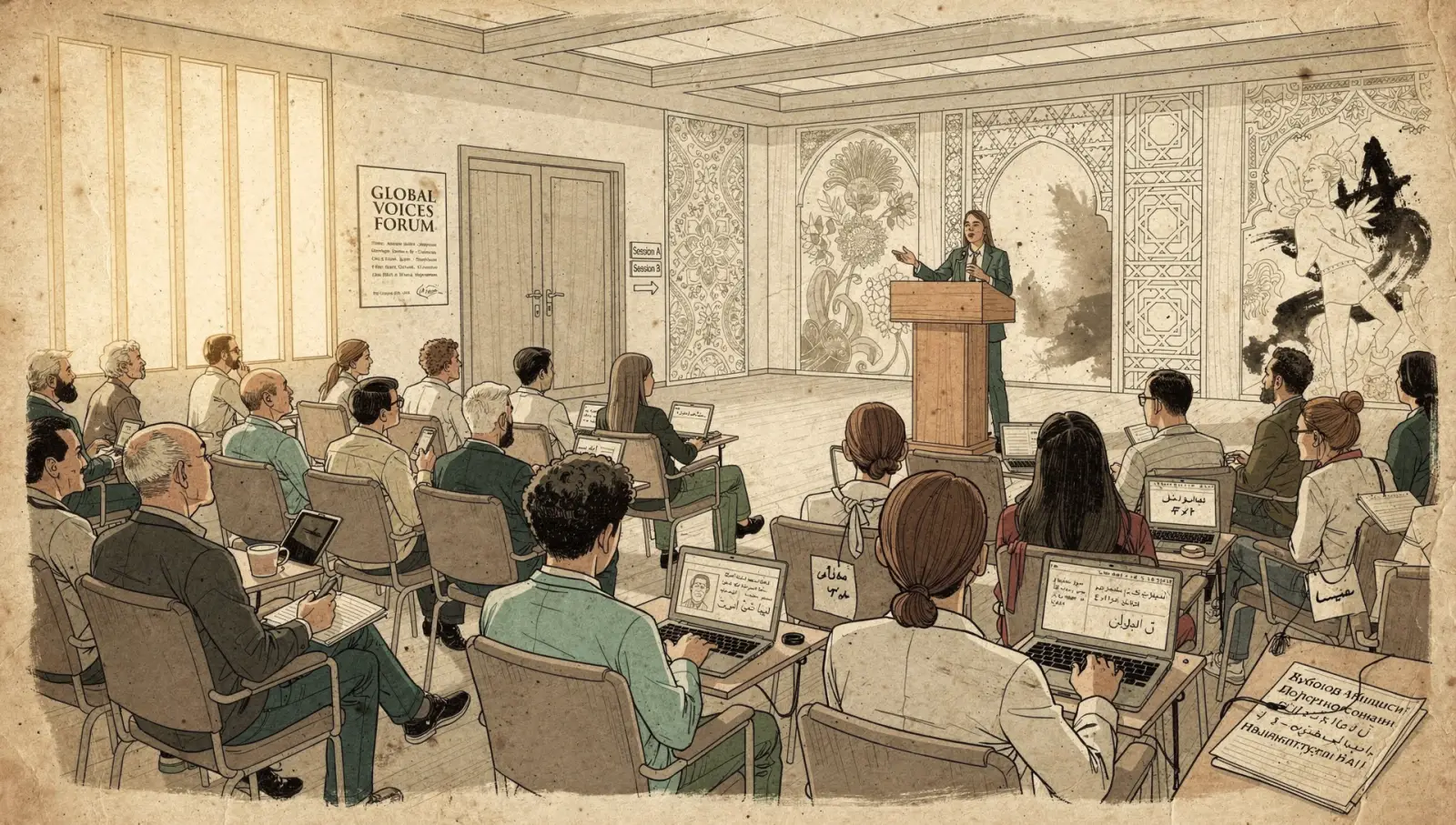
The speaker presents normally — their own slides, their own flow.
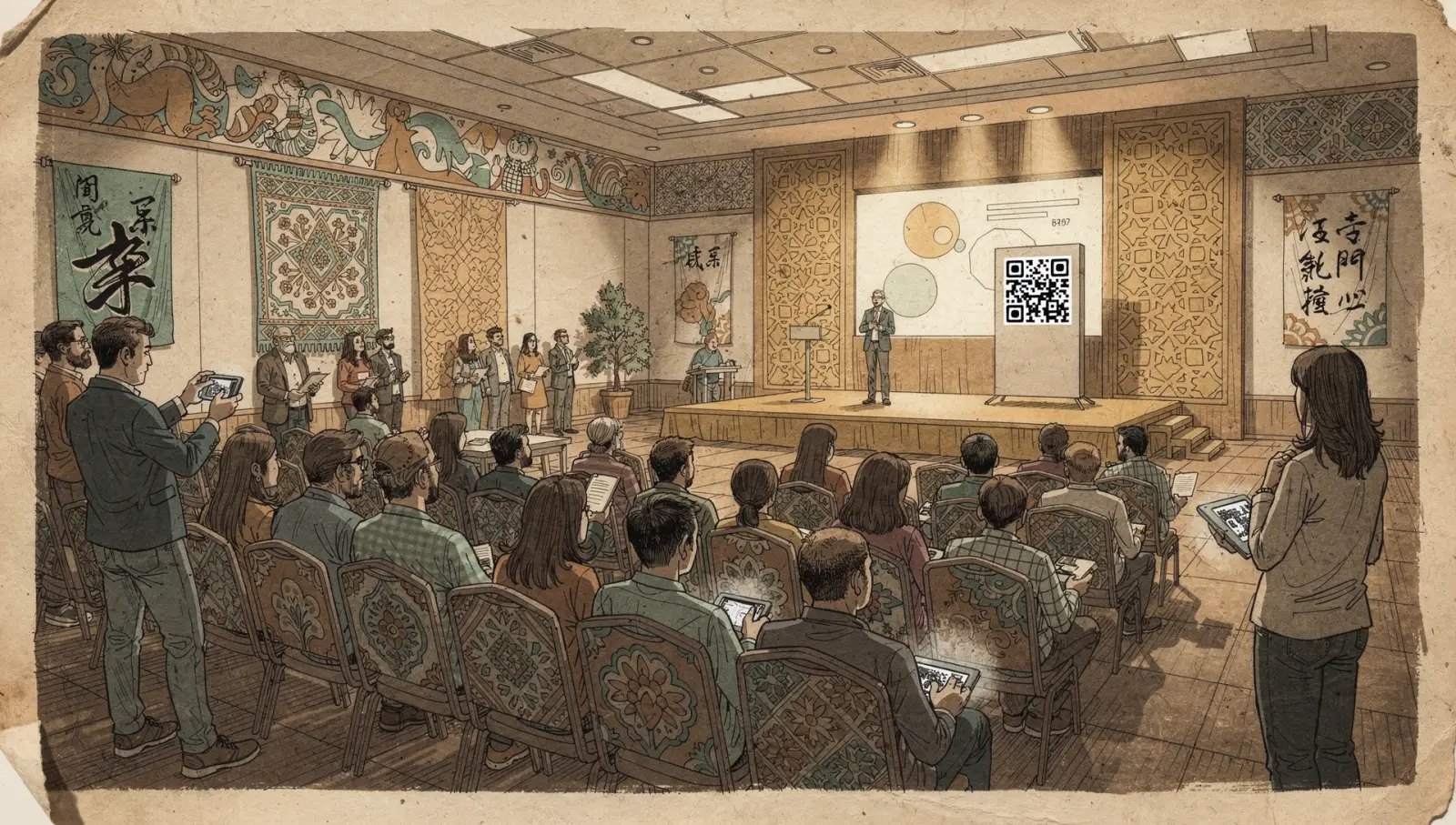
How it starts
Before or during the talk, they display a QR code. The audience scans in and structured written discussion begins in parallel.
Speakers can seed topics and prompts in advance, guiding the room toward the questions that matter. Or they can open it up and let the discussion find its own shape.
What you get at the end
At the end, the full session discussion exports as a clean artifact — the room's complete written record.
The room keeps thinking while you keep presenting. Both happen at once.
No account. No download.
Scan the QR code, pick an emoji identity, and start contributing.
Instant Access
Scan the QR code, pick an emoji identity, and start contributing. Write short comments, reply in threads, react to others.
Calm, Dense Interface
The interface is calm and dense — designed to feel like a focused reading environment, not a chat room.
Pseudonymous by Default
Contributions are pseudonymous by default. The speaker sees participation but not necessarily identity unless they've configured email capture for their session.
 For Participants
Write. Reply. React. The room thinks together.
The interface is organized into topics — multiple threads running in parallel, each one a focused conversation. Participants can drop into any thread, write a substantive response, reply directly to someone else's point, or just react. Everything is threaded, so the discussion stays readable even when the room is active.
Topics
The session is organized into named topics. Participants can move between them freely, contributing where they have something to say.
Threaded Replies
Responses nest under the comment they're replying to. The structure keeps conversations coherent — you always know what someone is responding to.
Reactions
Quick reactions let participants signal agreement, interest, or resonance without adding noise to the thread.
Not every response is a thesis.
When participants want to riff, react, or play peanut gallery — they can mark a response as "cheeky."
How it works
Those pile up as compact inline pills rather than full cards, keeping the serious discussion readable while letting the room have a personality.
Cheeky responses don't clutter the main thread — they live alongside it, giving the room room to breathe and play without derailing the substance.
Leveled batches. Calm and stable, even at scale.
Leveled batches incoming messages before delivering them to the room. This keeps the UI calm and stable even when a hundred people are typing at once — no jumping, no reordering, no layout thrash.
Standard
Updates every 10 seconds. The default for most sessions.
Fast
Updates in near real-time — ~1.5 seconds.
Choose your delivery cadence per session when you create it. The difference is intentional and visible: a subtle countdown in the session header shows when the next batch arrives.
Simple credits. Generous budgets.
| Session Size | Credits | Participants |
|---|---|---|
| Small | 1 credit | Up to 10 participants |
| Medium | 3 credits | Up to 50 participants |
| Large | 5 credits | Up to 200 participants |
Every session — any size — supports up to 2,000 contributions (comments, replies, reactions). You'll see a warning at 75% and 90% of the cap. Start a new session to continue past it.
Running long? Extend the session — you're only charged the credit difference between your current duration and the new one. Extension changes duration, not the contribution cap.
Why this changes the outcome
A normal meeting is serial. One person speaks at a time, so the room can only surface as much thinking as it has airtime for, and that airtime tends to get rationed by rank and volume.
Writing in parallel removes most of that rationing. Everyone contributes at once, which means the limit is no longer who is willing to interrupt, it is how much the room actually has to say. You are also hearing from more than the handful who speak up in real time, so the input you decide on is a fuller sample of the team rather than the loudest slice of it. None of this removes the final call from whoever owns it. It changes what is in front of them when they make it.
The speaker keeps presenting. The room keeps thinking. Start yours.
Free to start.
Sign in with Google. Your first session takes under a minute to set up and it's on us.